Invisaid

|

Online

Documentation

Account

Getting started

Scroll

Getting started

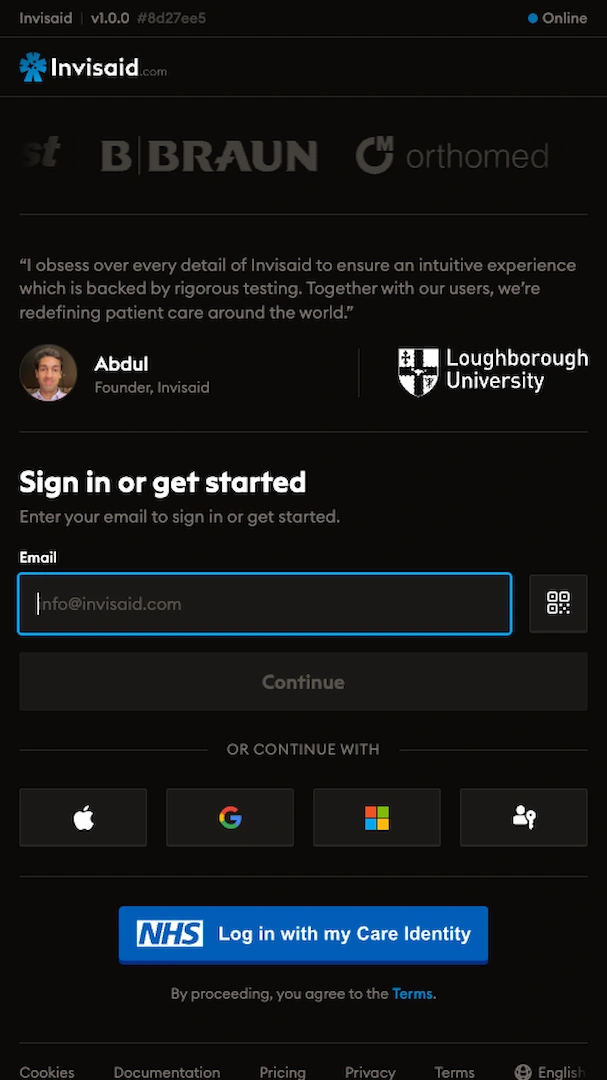
You’ll need an account to use Invisaid. You can create an account using your email address or by signing in with Apple, Google, Microsoft, or NHS Care Identity. You should, ideally, use a work email address to create your account. Regardless of the method you use to create your account, you’ll need to verify your email.

It’s not possible to create an education or enterprise workspace on iOS.

▲ The Invisaid start page where you can sign in or get started.


Sign in with Apple

Signing in with Apple is extremely easy on iOS once set up. To sign in with Apple, you’ll need an Apple account.
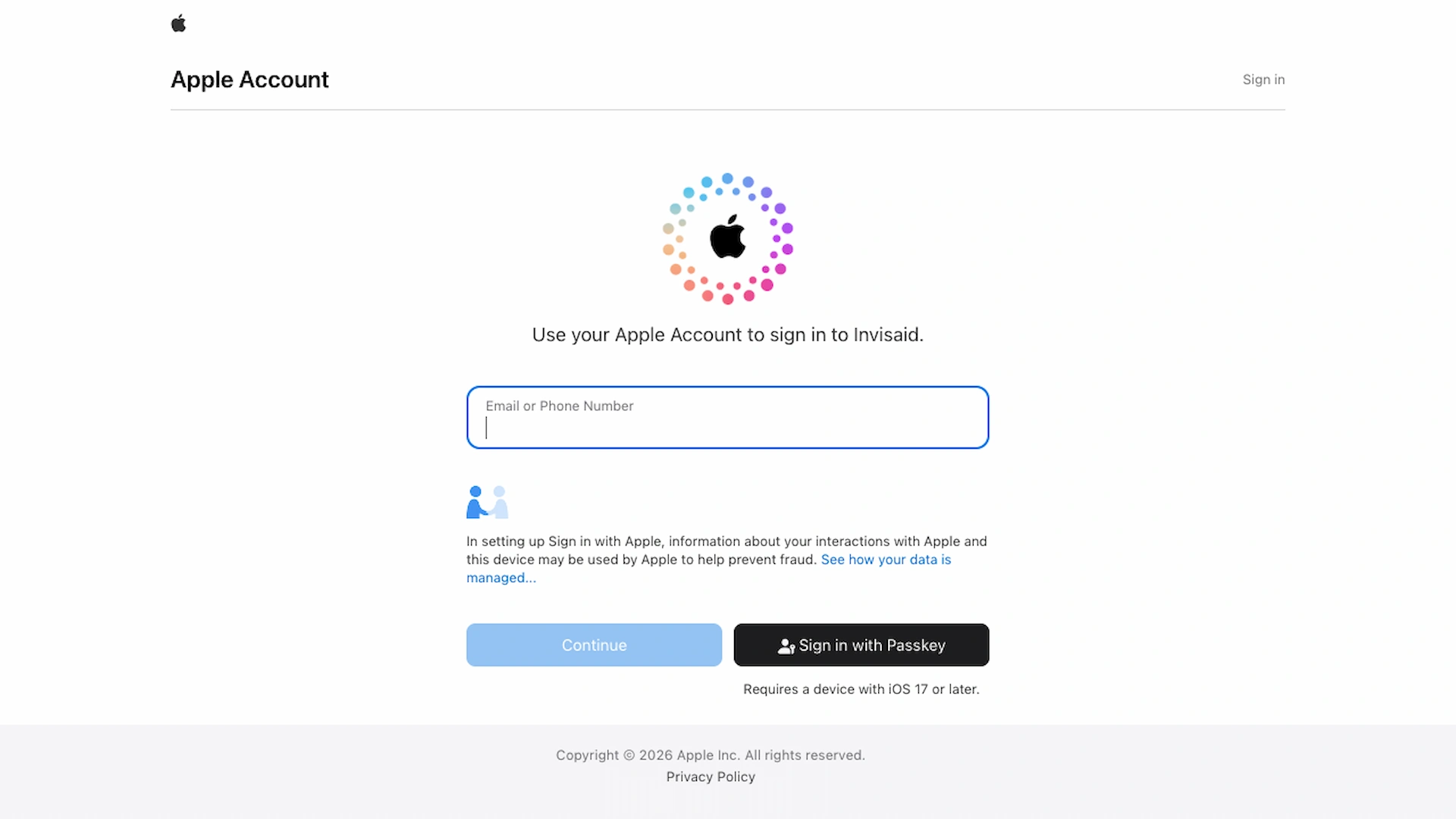
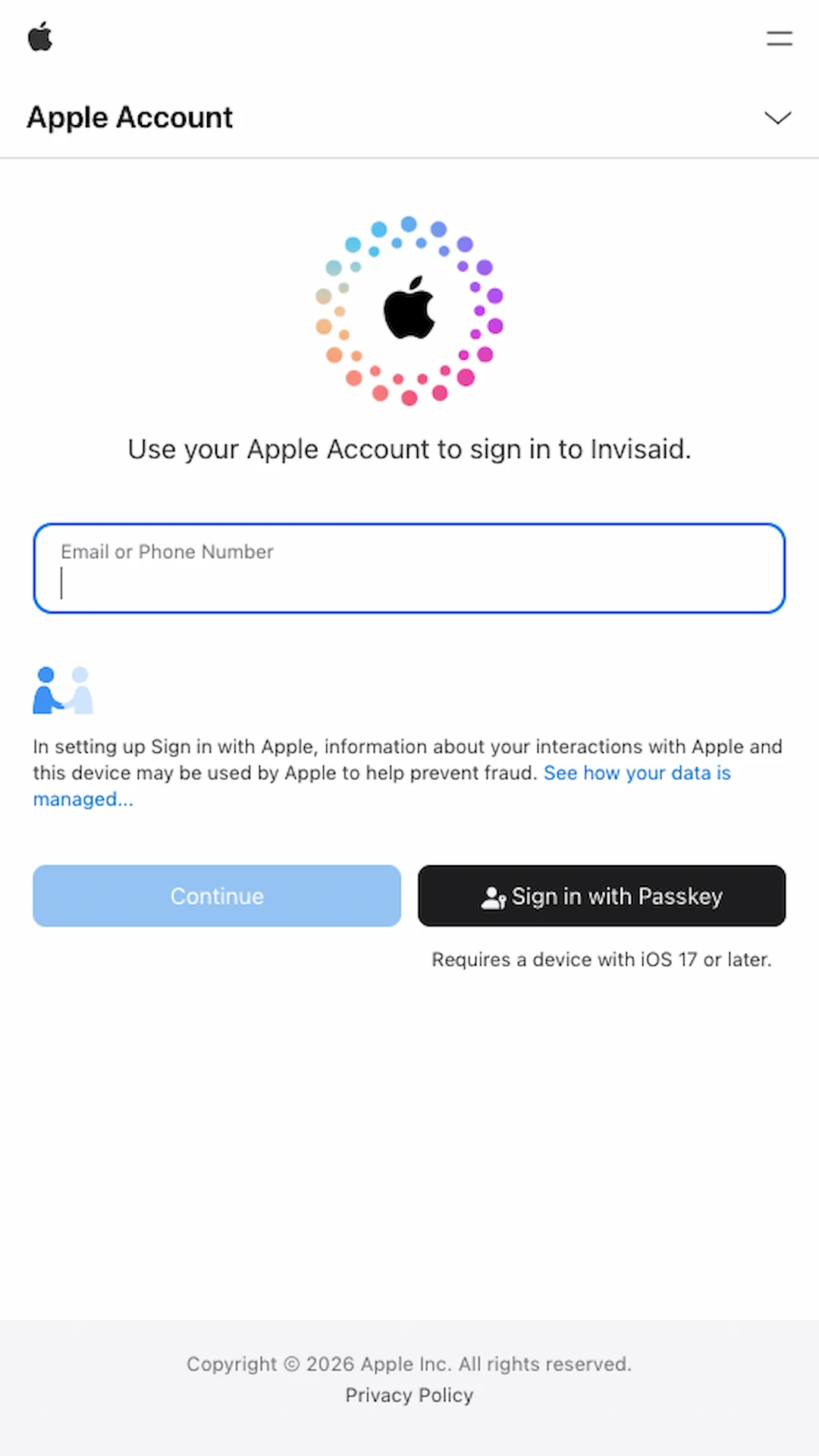
▲ Apple’s “Sign in to Apple Account” page where you can continue with an Apple Account.


Sign in with Microsoft

We recommend signing in with Microsoft if you have a Microsoft account managed by your organization.
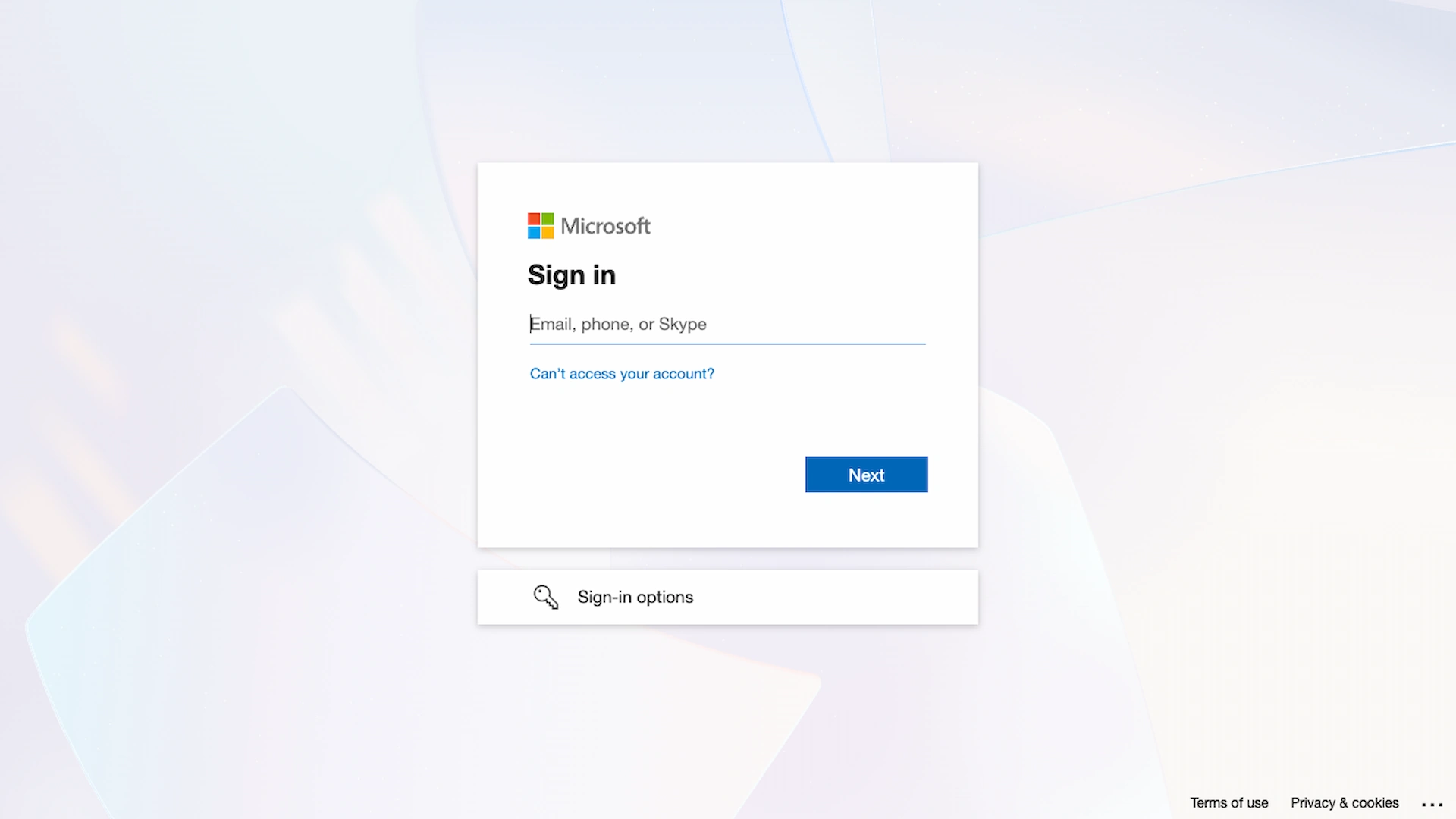
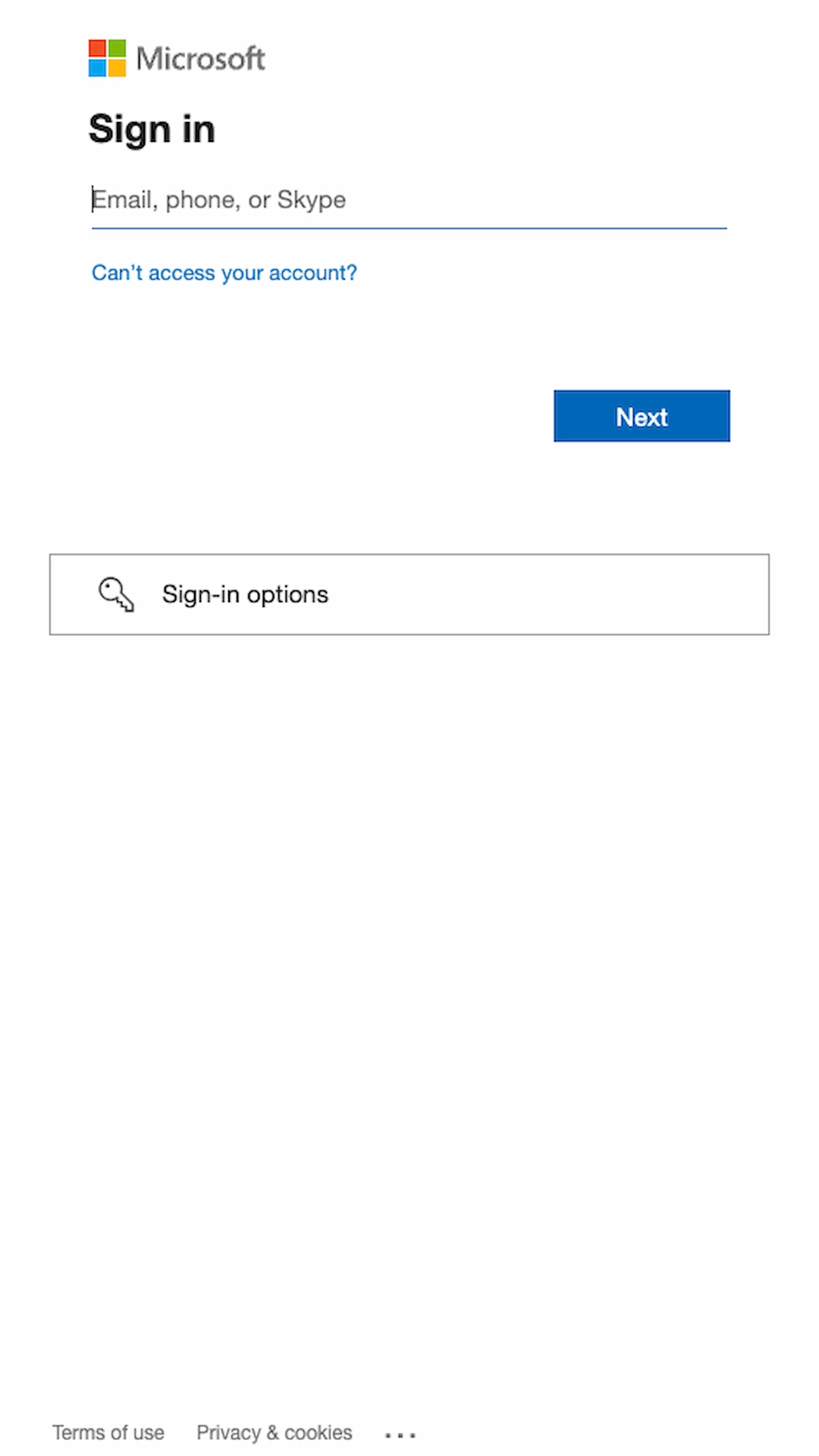
▲ Microsoft’s “Sign in to your account” page where you can continue with a Microsoft account.


Sign in with Google

We recommend signing in with Google if you have a Google Workspace account managed by your organization.
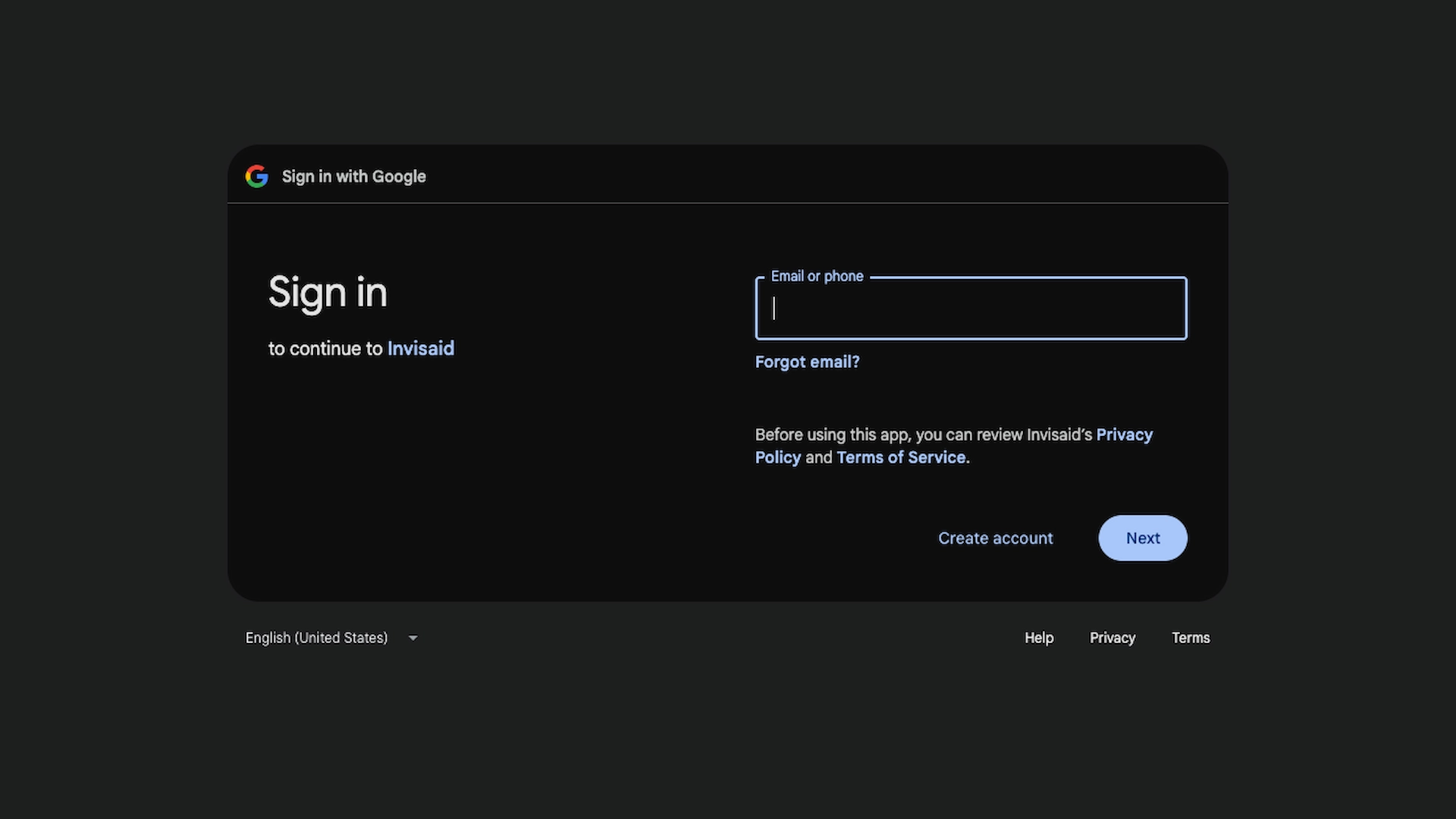
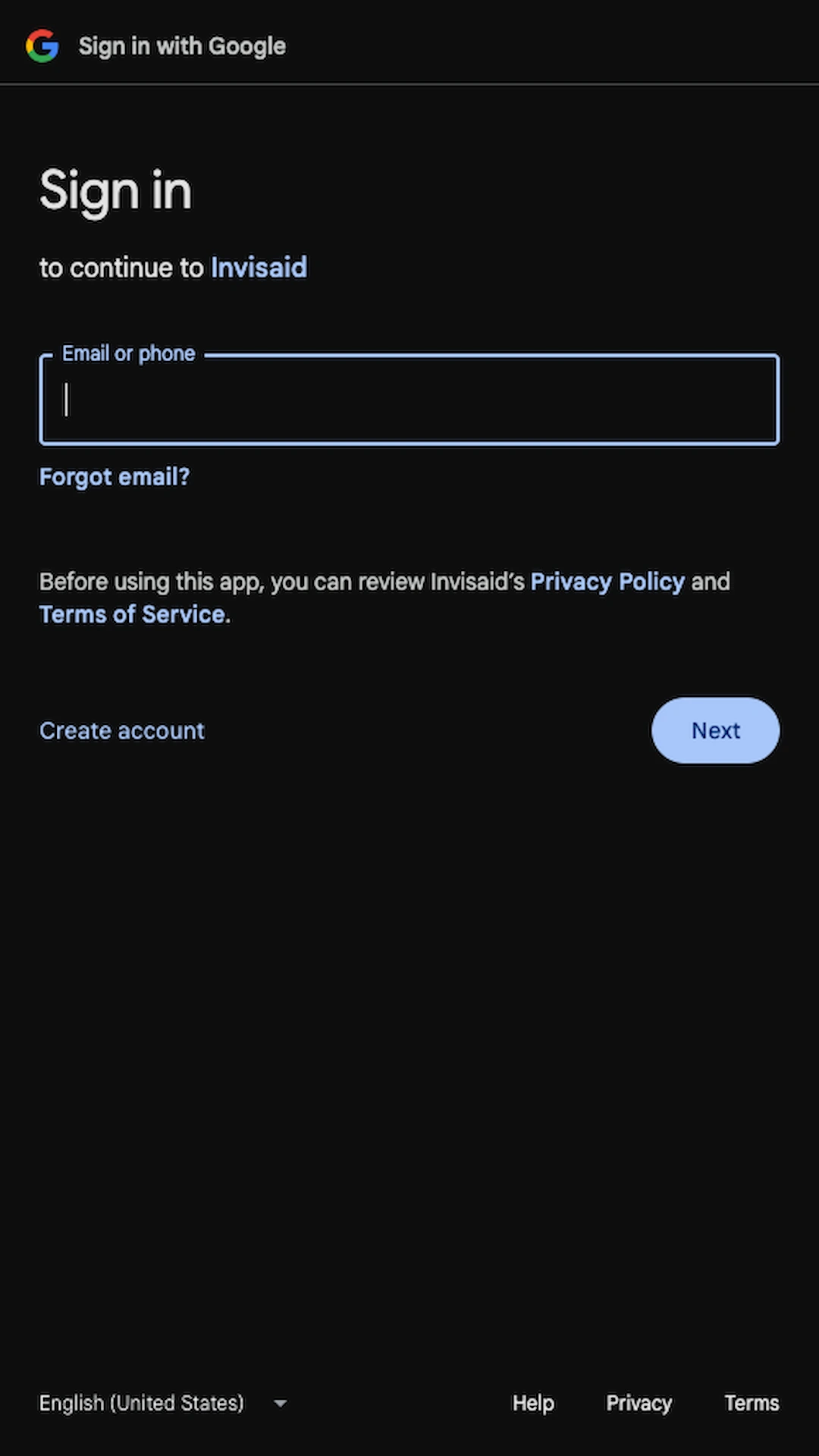
▲ Google’s “Sign in to your account” page where you can continue with a Google account.


Sign in with NHS Care Identity

NHS staff can sign in with NHS Care Identity.
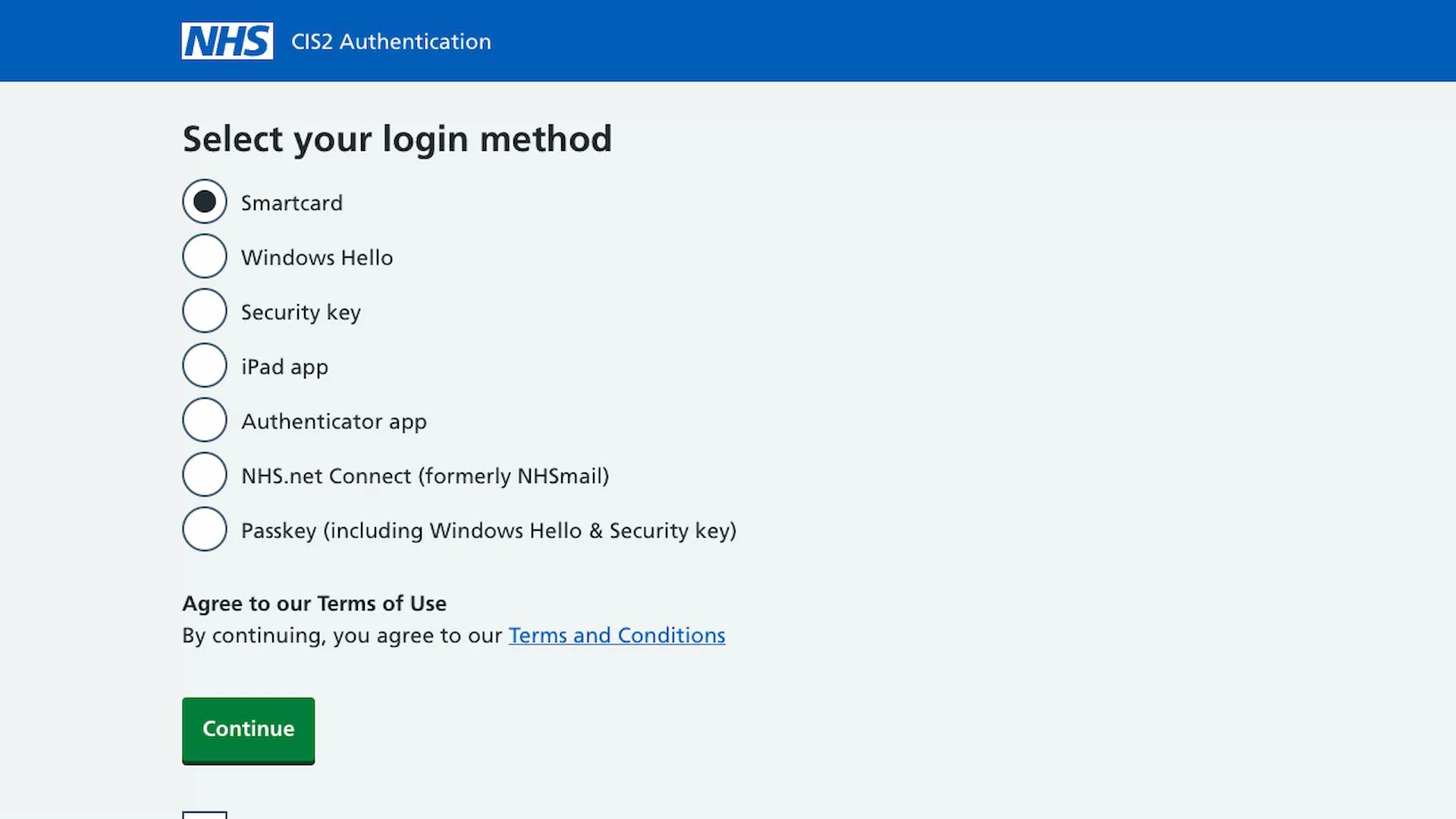
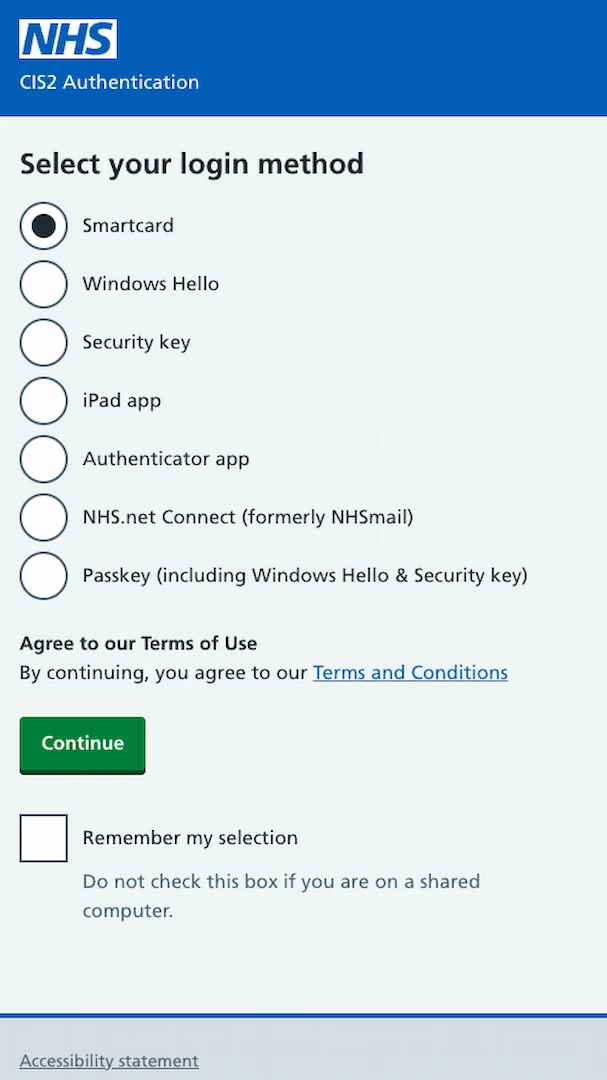
▲ NHS England’s “CIS2 Authentication” page where you can select a login method to continue with NHS Care Identity.

The following assurance levels are defined:

Assurance levels
LevelConfidenceDescription
AAL2High confidence

AAL2 requires the use of two authentication factors, either

  • a physical authenticator and a memorized secret
  • a physical authenticator and a biometric that has been associated with it

Multi-factor authentication can be performed using either a multi-factor authenticator or through the use of two independent authenticators.

As detailed below, there are restrictions on the use of biometrics, in particular that they must be securely bound to a specific physical authenticator. For this reason, a memorized secret plus a biometric is not an acceptable combination for authentication.

In addition to the requirement for two authentication factors at AAL2, there are additional requirements relating to the authentication and the session. These include:

  • shorter re-authentication time
  • replay resistance
  • FIPS 140 Level 1 for authenticators supplied by government agencies
  • authentication intent
AAL3Very high confidence

AAL3 introduces several new requirements beyond AAL2, the most significant being the use of a hardware-based authenticator. There are several additional authentication characteristics that are required:

  • verifier impersonation resistance
  • verifier compromise resistance
  • authentication intent

The following login methods are supported:

Login methods
MethodLevelDescription
SmartcardAAL3Smartcards are ID cards that are approximately the size of a credit card. Users authenticate by inserting the smartcard into a reader and entering their passcode. Smartcards require specialised software to function.
Windows HelloAAL3An alternative to smartcards that does not require software installation, certificate renewal, or additional hardware. Users can log in to applications using their face or fingerprint.
Security keyAAL3Security keys are typically small physical USB devices that require no software installation or certificate renewal. They’re small and convenient enough to be attached to a set of keys or a lanyard. Simply enter a PIN and physically touch the security key to log in.
iPad appAAL3The NHS CIS2 iPad app is a great option for users who work in environments that require ultimate mobility. There’s no need for a smartcard or reader. Log in to applications just by showing your face or fingerprints.
Authenticator appAAL2Microsoft Authenticator is currently being used to access National Care Records Service, MESH and e-Referral Service by organisations across health and care settings. Authenticate by entering your email address, password and a 6-digit security code from the Microsoft Authenticator app on your phone.
NHS.net Connect (formerly NHSmail)AAL2Connect your NHS.net email address to your Care Identity and log in to systems like the National Summary Care Records Service and Cervical Screening Management System with the same multi-factor authentication process you use to log in to your email. Sign in using your email, password and a push notification from the Microsoft Authenticator app.
Passkey (including Windows Hello & Security key)AAL2An authentication option requiring fewer steps to log in for compatible devices: simply tap with your fingerprint or look into your device’s camera to authenticate.
In the future, you may need to reauthenticate using an AAL3 method when performing sensitive actions such as accessing patient records through NHS England’s systems.

Verify your email

If you’ve signed in using Apple, Google, Microsoft or NHS Care Identity, you’ll need to verify your email. This is done by sending you an email with a code, button and QR code. Simply provide the code, click the button or scan the QR code to complete this step.

You have to verify your email with Invisaid directly, at least once, even if you’ve already verified your email on a third-party platform previously.

Pick your account type

You must pick between an individual, enterprise or education account. This can be changed later. We don’t restrict any medical features based on the account type you pick.

TypeDescription
IndividualFor individuals who don’t need team management features.
EnterpriseFor teams of many users with oversight.
EducationFor teams of many users with reduced pricing for research and academic use.

© 2026 Invisaid Limited. Invisaid is a trading name of Invisaid Limited. Invisaid Limited is a limited company registered in England & Wales of #16847954 at Clockwise, Edward Pavilion, Albert Dock, Liverpool, L3 4AF, ODS Code Z7O5L & VAT #GB 509 5706 77. Invisaid is provided “as is”, without warranty of any kind, express or implied. In no event shall Invisaid Limited be liable for any claim, damages or other liability, whether in an action of contract, tort or otherwise, arising from, out of or in connection with Invisaid or the use or other dealings in Invisaid.

USER GUIDE

Account